How ACHECKS works
Add a domain once. ACHECKS follows its links to up to 1,000 pages and the PDFs they link to, checks each one, and puts the results in your dashboard. Then it does it all again every week.
- Nothingto install on your site
- 1 dayto your first results
- 7 daysbetween scans, automatically
The four steps
Today
Choose a plan and add your domain
Pick the standard you report against: AChecker Basic for WCAG 2.0 AA, or a Lighthouse plan for WCAG 2.1 AA. Then tell us the domain, and who should get the reports you ask for.
One plan covers one domain, so you can mix plans across your sites. There's nothing to install, and scans don't change anything on your site.
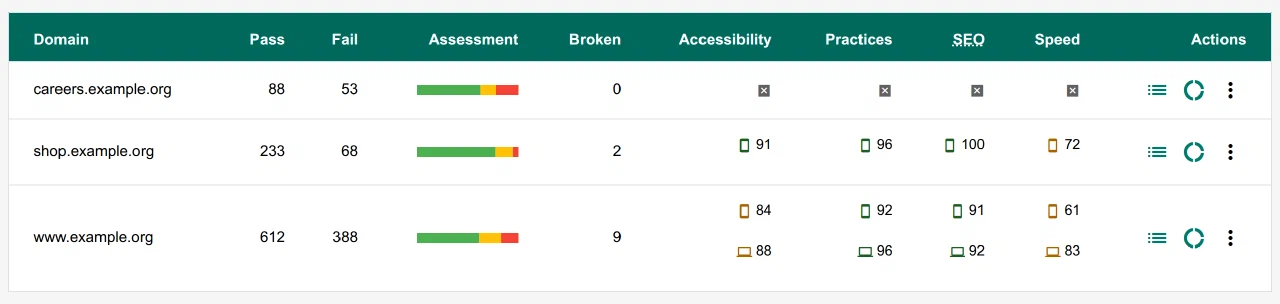
Three sample domains, one on each plan. Within 24 hours
We follow your links and check every page
Our crawler follows the links on your domain, up to 1,000 pages, and collects the PDFs those pages link to. Then each one is checked:
- AChecker reads each page's HTML against WCAG 2.0 AA. Known problems are definite failures. Likely and potential problems need a person to decide.Every plan
- Lighthouse checks WCAG 2.1 AA as Chrome renders each page, on the mobile layout, the desktop layout or both, and scores best practice, SEO and speed too.Lighthouse plans
- Tingtun checks the PDFs your pages link to.Every plan
If your host blocks automated visitors, allow our scanner addresses.
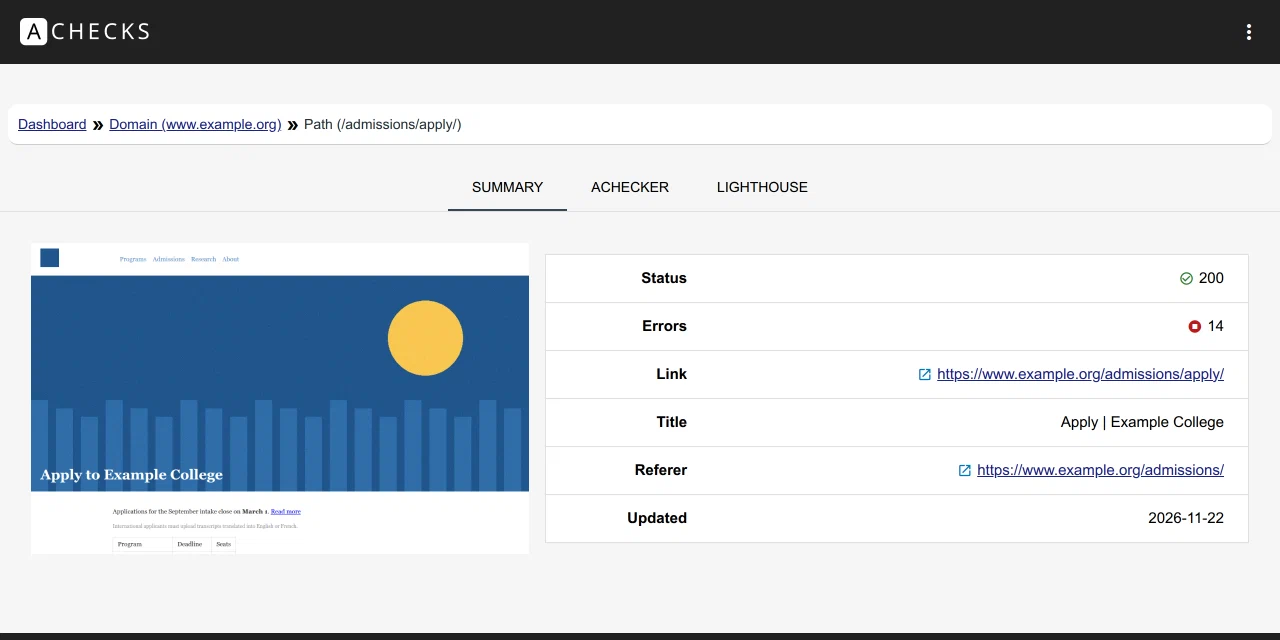
Every page gets its own record, down to the page that links to it. Sample data. Any time
Work from the dashboard
Every domain, every page and every problem, with the code behind it and how to fix it. Your team sees what to fix first, on a laptop or a phone.
Ask for a PDF report or a CSV export by email whenever you need one. On WordPress, the free plugin shows each scan's results in your WordPress dashboard.
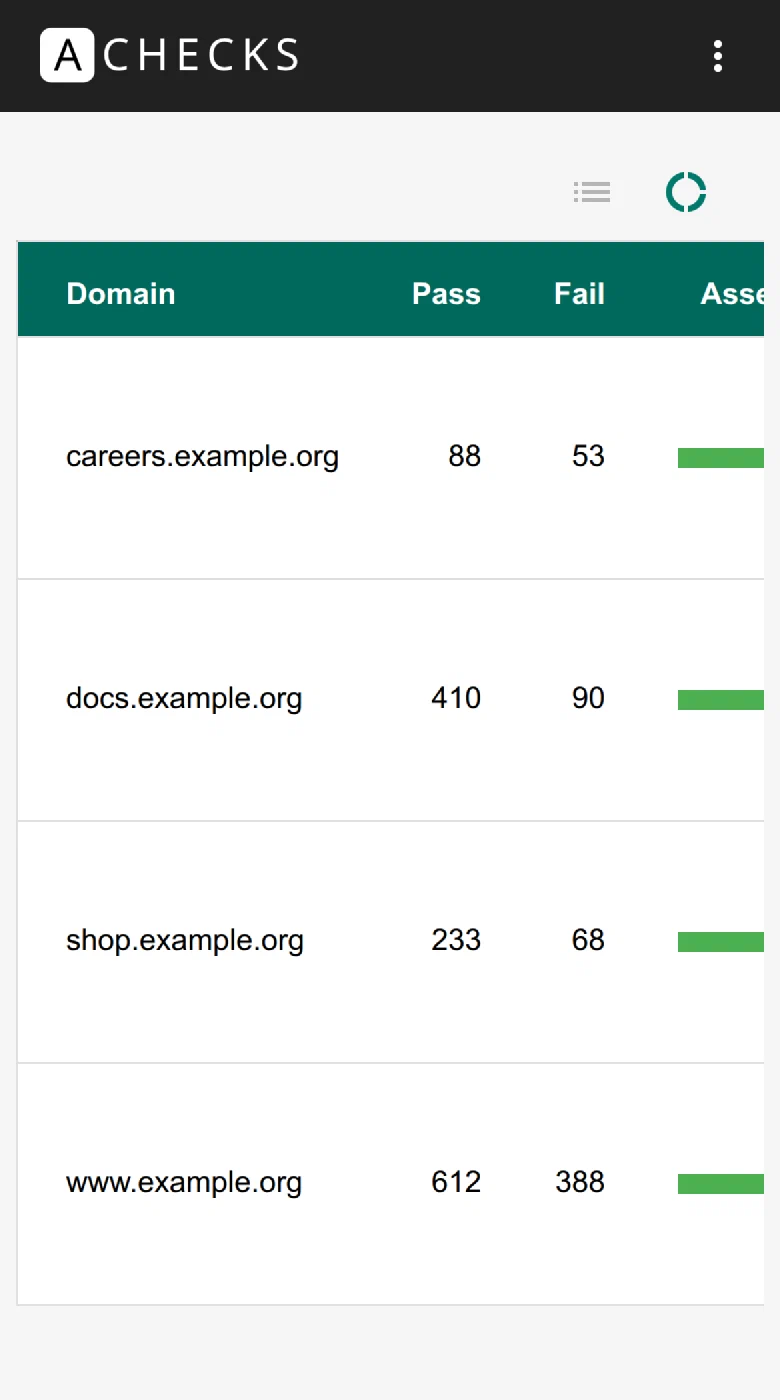
The dashboard on a phone. Sample data. Every week
Scanned again, automatically
Every seven days the crawl and the checks run again. Fixes show up as passes, and new problems are caught the week they appear.
The assessment view sums up a domain, or all of them, for the people who report on accessibility, including on Ontario's AODA compliance report.
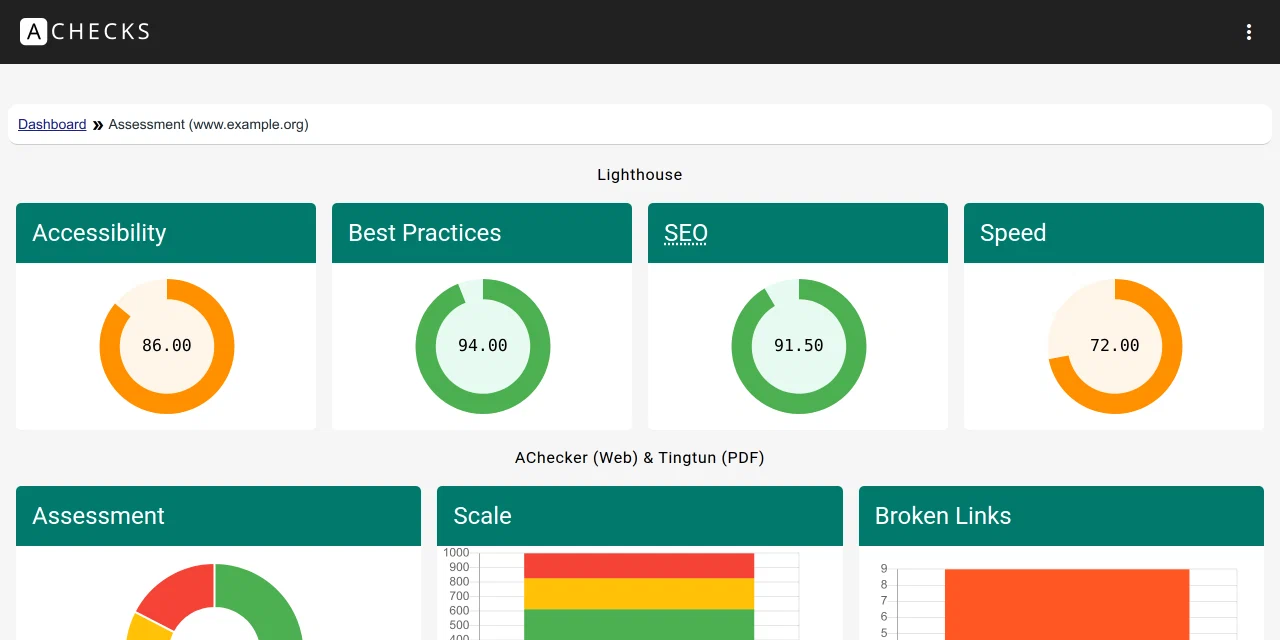
The assessment for one domain. Sample data.
Good to know
What automated checks can't tell you
No automated tool can confirm full conformance. Automated checks find a share of WCAG failures, and the rest needs people testing with a keyboard and a screen reader.
A Jump-Start session with our accessibility team helps you plan that work, and the support page covers scanner addresses, reports, exports and billing.
Start with one domain.
Choose a plan, add your site, and your first results are in the dashboard within a day. Cancel any time.
Monitoring another site?
Add a domain to your account and choose its plan. Its first results are in your dashboard within a day.